Discover
Build an authorized inventory of mail folders, messages, attachments, calendars, events, attendees, and migration-relevant metadata.
A planned workflow for migrating authorized Zoom Mail and Zoom Calendar content toward Google Workspace or Microsoft 365—with checkpoints, evidence, and a clear path from inventory to verified delivery.
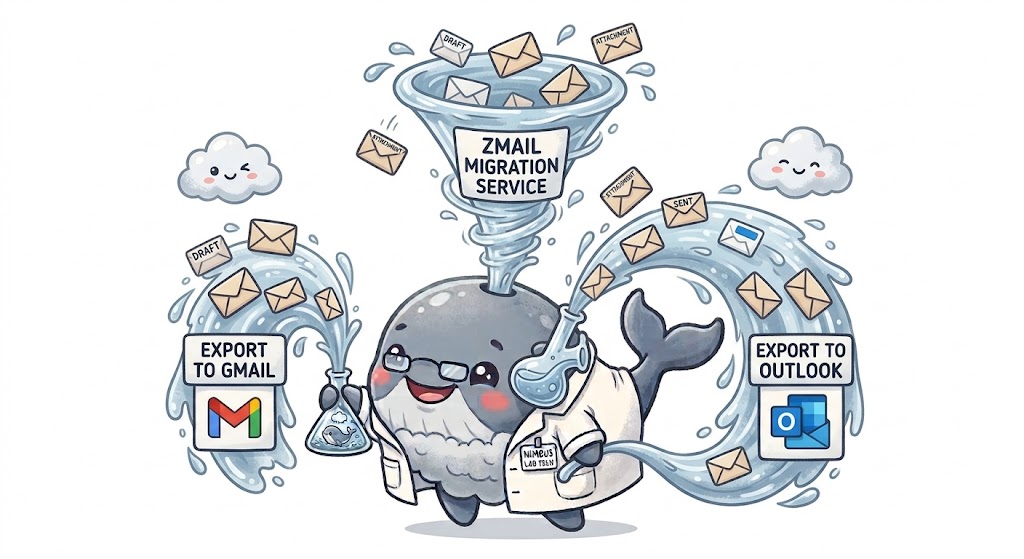
Successful mail and calendar moves need scope, checkpoints, destination mapping, and evidence that the expected messages and events arrived.
Build an authorized inventory of mail folders, messages, attachments, calendars, events, attendees, and migration-relevant metadata.
Define destination accounts, mail folders, calendars, event ownership, exclusions, time zones, and cutover boundaries.
Run resumable mail and calendar migration jobs with progress tracking, rate-aware execution, and clear failure handling.
Compare source inventories with destination results and produce migration manifests for mail and calendar review.
Plan for messages, drafts, sent items, folders, attachments, timestamps, and sender or recipient metadata where supported.
Plan for calendars, events, recurrence, attendees, organizers, reminders, time zones, and event metadata where supported.
Account for differences between Zoom Mail and Calendar, Google Workspace, and Microsoft 365 instead of treating every system as identical.
Surface completed, skipped, retried, and failed mail and calendar items so administrators have a practical reconciliation record.
Zmail Migration Exporter will be intended for mailboxes and calendars you are authorized to access and destinations you control. Migration plans should account for privacy, retention, legal holds, account ownership, event invitations, and destination-provider limits.
Tell us the mailbox and calendar count, destination, retention requirements, and cutover window. Early requirements will help shape supported migration paths.
[email protected] ↗